
Created as part of an 8 hour “design it in a day” challenge, “Just Roll With It” is a board game with one goal: to help students get inspired and practice better time management.
The Task At Hand

At 9AM on a Friday morning, 40 user experience design and product design students from the Rutgers MBS program shuffled into the Rutgers MakerSpace with one goal: to improve their design thinking skills. They were given a task: develop an idea for a board game to improve the student experience at Rutgers. Their constraints? Eight hours to hone in on a problem, discovered by talking to real students, develop a solution, prototype that solution and test it amongst the target population. Ready, set, go!
The Design Formulation Process
Our student team of five started the day with one goal: find out what mattered to Rutgers students, find out what’s stopping them from achieving their goals, and brainstorm a design solution in the form of a board game, one that would be both fun and functional. Our team kickstarted the process by developing user interview questions to perform a minimum of ten student interviews on campus and answer the question, “What does our user really need?”.
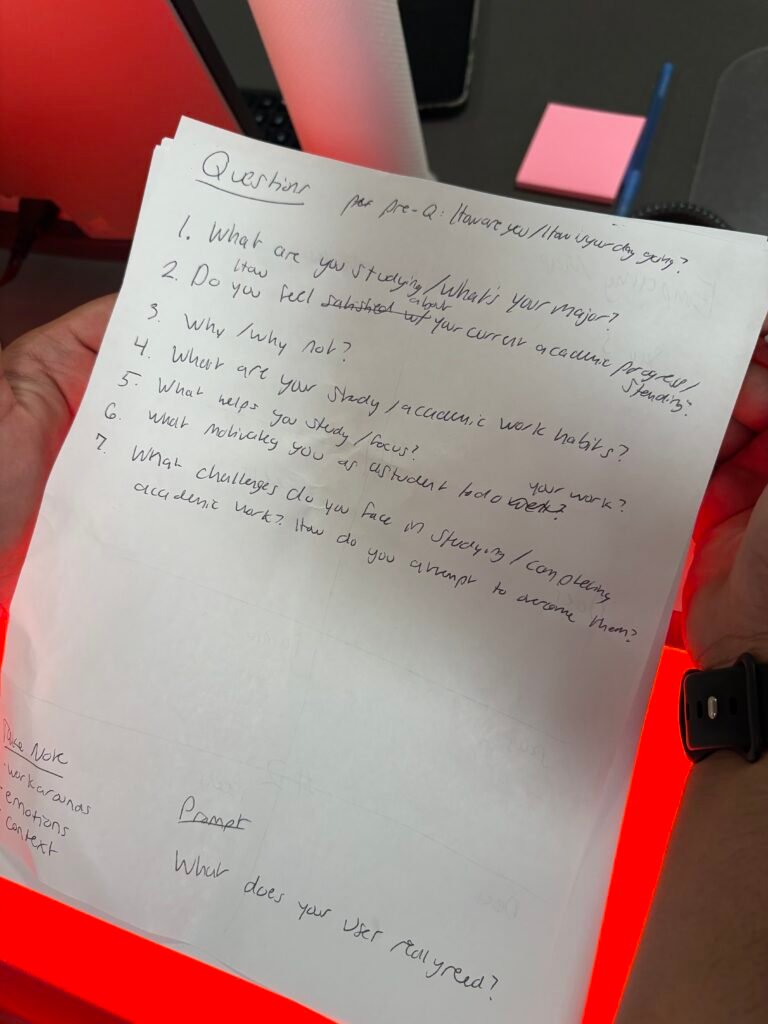
After conducting our interviews and gathering insights, it was time to analyze the data. Using design thinking, we plotted our interviewees’ responses onto empathy maps. From these empathy maps, we were able to isolate users’ thoughts, actions, feelings and expressions. These insights were plotted onto an affinity diagram to gauge commonalities in our users’ experiences, in their motivations, pain points, environment and study habits.
The main theme we extracted? – students had trouble feeling motivated. They were pulled in a million directions, and needed help learning how to balance their academic goals, social aspirations, extracurriculars and personal care time.
At this point we had a few clear and actionable data points to guide the next step of our process, rapid brainstorming using crazy eights to storyboard our design ideas. Between my four other team members and I, we spent the next 15 minutes creating 40 unique solutions to our problem.
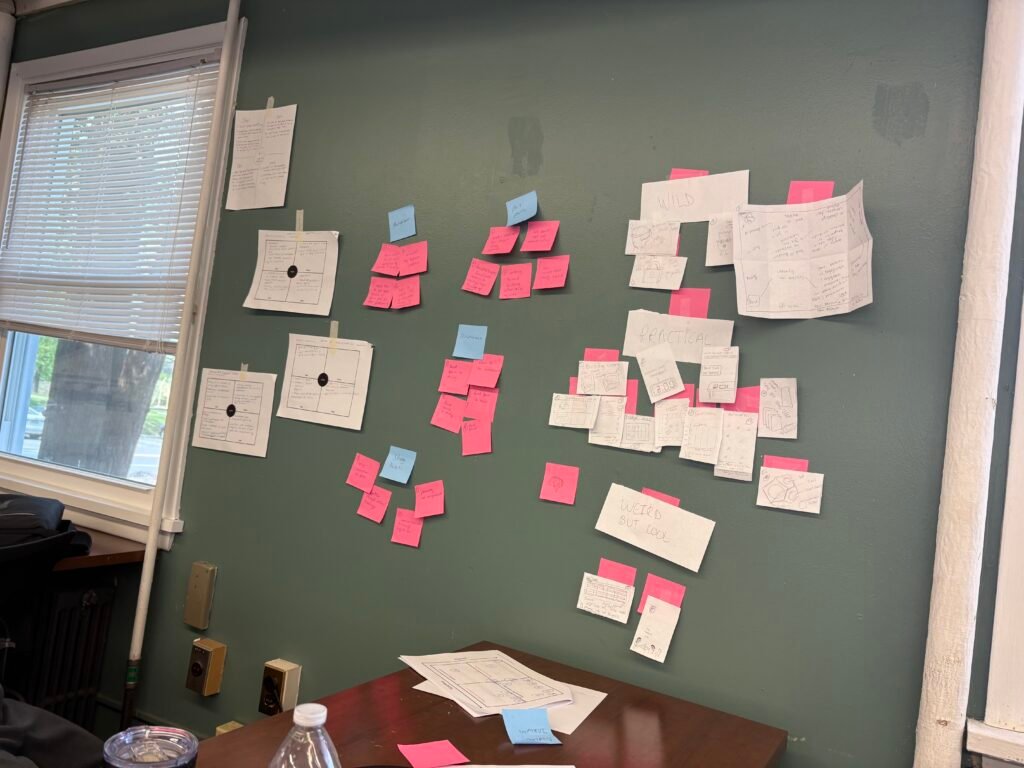
Once our crazy eights were complete, my team and I had the time to present our ideas to one another. This helped us see the value, or lack thereof, in some of our design solutions. In order to find the best design, my team created a scale to sort through our 40 solutions and plot them next to one another, from wild, to practical, to weird but cool. This scale helped us determine what ideas were worth expanding upon, what design elements or themes could be transferred between projects, and what should be tossed in favor of something more efficient, useful and appealing to our target audience.
Prototype Creation
After selecting our idea, it was time to move to prototyping. Normally our design team would use Figma for digital prototyping purposes, but due to the fast paced nature of the design process and varying levels of knowledge and comfortability with Figma amongst our student team, Canva was utilized to design the prototype instead.
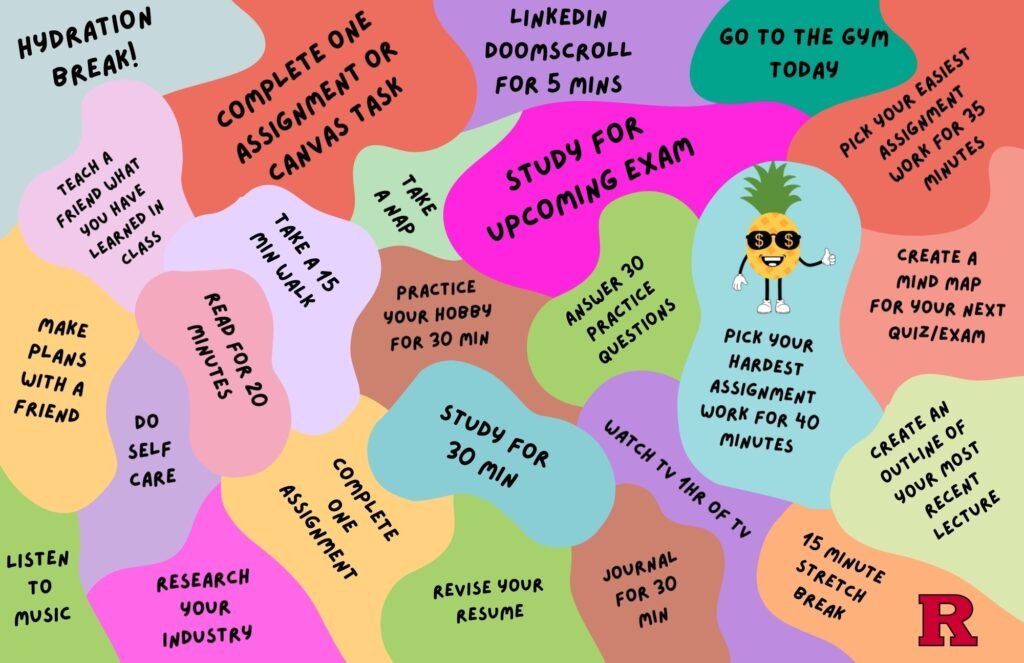
The board game design we selected consisted of a series of imperfect shapes with labels comprised of different activities students can engage in. The board game is accompanied by multiple irregularly shaped game pieces, designed to be thrown and tossed around haphazardly to increase random landings. Whichever shape the die piece lands on, that is the activity the user should engage in. Multiple game pieces were included in the design in order for users to play with friends and utilize a buddy system of accountability.
This design encouraged students to strike a balance between fun activities like listening to music, making plans with a friend, or reading, with academic tasks like working on a difficult assignment or studying for an upcoming exam, and personal growth or destress activities like going to the gym or practicing self care.
Our prototype was brought to life using the Rutgers’ Maker Space laser printer, which superimposed the design onto a large flexible mousepad. The game pieces were modeled in CAD and then 3D printed. Once all of the materials were assembled, it was time to test our design.
Testing the Prototype
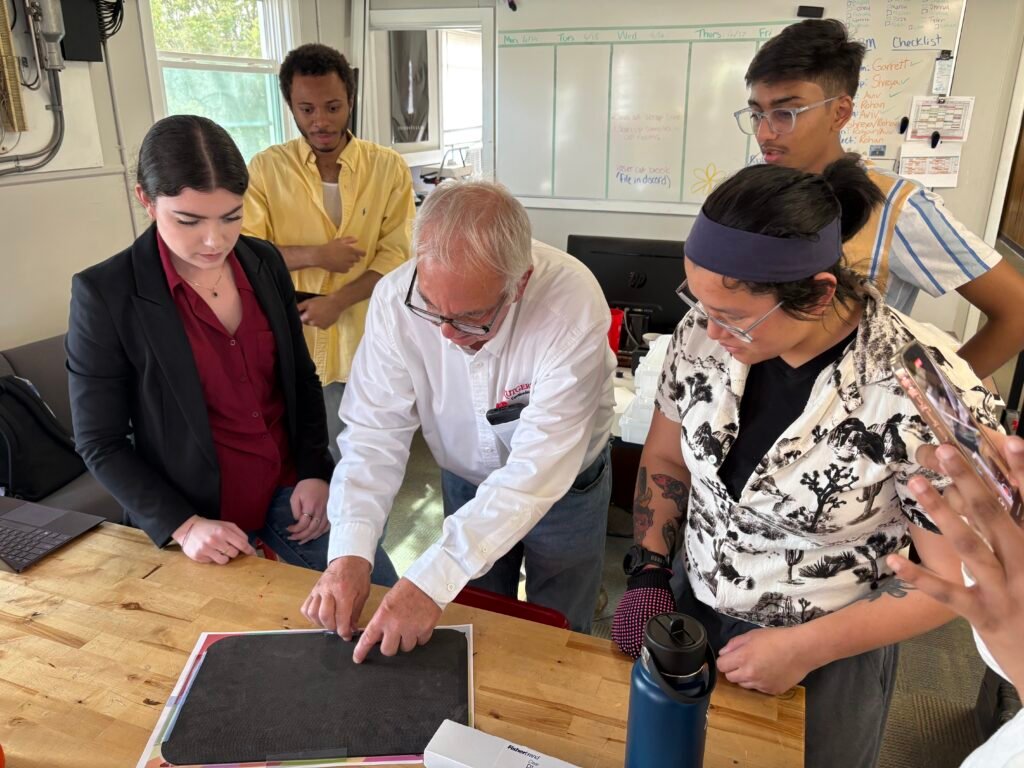
As the end of our design thinking session approached, it was time to test our design. Unfortunately due to time and material constraints, there could only be one prototype, so we were unable to practice an iterative design process. Despite this, it was our goal to see if “Just Roll With It” would satisfy the needs of our student audience as it was. Students were invited (with the promise of pizza) to test our designs and state their impressions. Five students were given the opportunity to test “Just Roll With It” and play with the game unguided to give their natural observations of the product’s design and intended function.
3/5 students stated they were satisfied with the design as it was; “motivating”, “fun”, and “creative” were common words used to describe the design
Some feedback our sample users gave on the design was to include an element of customizability for students. Users expressed a desire to make the design more specific to their courses, their hobbies, and things that motivated them. This could be done in the form of a digital app pairing, or by creating blank blocks that could be labeled with marker and erased to be labeled and changed easily.
Insights
Overall, the creation and process behind “Just Roll With It” encouraged our group to practice design thinking & innovation. Over the course of one day we were able to rapidly cycle through an entire product design cycle, from start to finish, encouraging us to practice analytical thinking, pay attention to our users and practice mindful design.